

Video Editing Course for Freelancing & Job Opportunities
Video Editing Course for Freelancing & Job Opportunities
Professional Video Editing Training in Burari
Video editing is the process of creating professional videos by cutting, arranging, and enhancing video clips using creative effects, transitions, sound, and visuals. A Video Editing course helps students learn how to create high-quality videos for social media, YouTube, advertising, and business promotion. It develops creative and technical skills that are highly valuable in digital marketing and media industries.
Video Editing Software Training
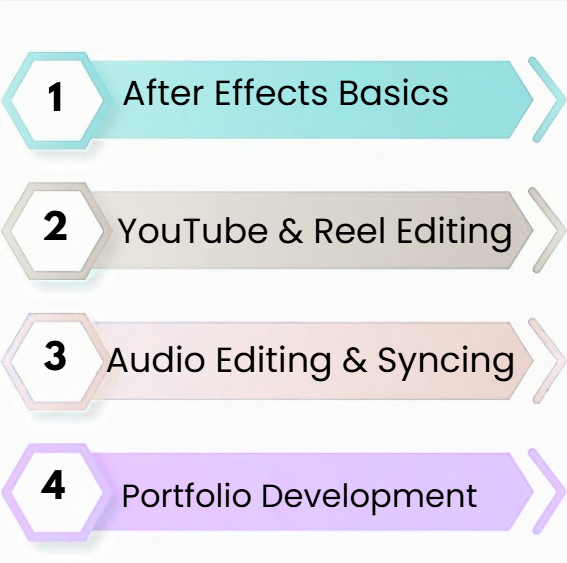
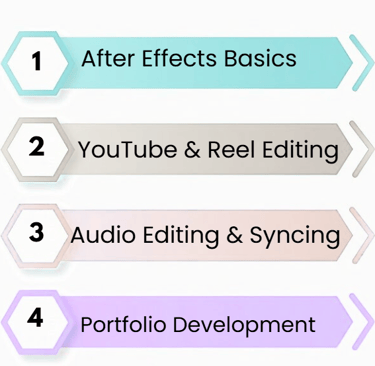
In a video editing course, students learn professional editing tools used in the industry. Training includes working with software like Adobe Premiere Pro for video editing and After Effects for motion graphics. Students learn video cutting, trimming, transitions, effects, and professional video production techniques.
Video Cutting & Effects
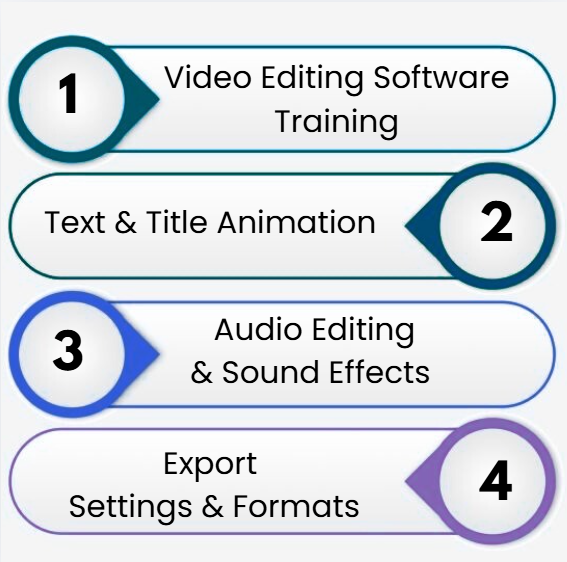
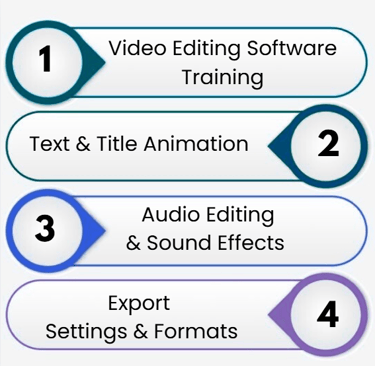
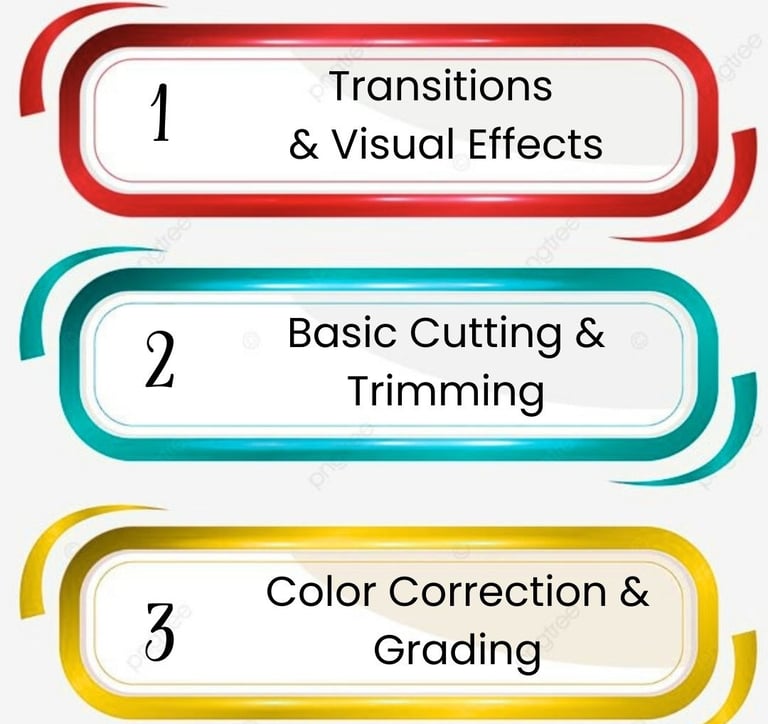
This module teaches students how to cut, trim, and arrange video clips professionally. Students learn to add transitions, visual effects, background music, and sound effects to make videos more engaging and attractive for viewers.
Motion Graphics & Animation
Students learn how to create motion graphics, text animation, and visual effects for professional videos. This helps improve video quality and makes content more creative, engaging, and visually appealing for marketing and branding purposes.
Career Opportunities in Video Editing
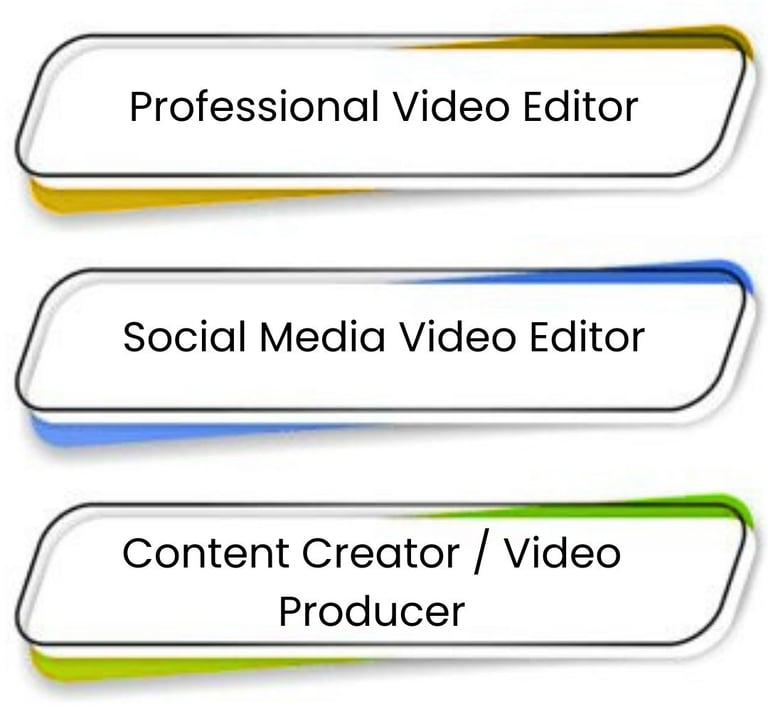
A video editing course prepares students for career opportunities such as video editor, content creator, YouTube editor, social media editor, and freelance video editor. Students also learn practical projects and portfolio creation to build a successful career in media and digital marketing.
1. Which software is best for beginner video editors?
For beginners, software like Filmora, iMovie, and Canva Video is ideal. They are user-friendly, intuitive, and provide essential editing features such as cutting, transitions, text overlays, and basic effects to start learning effectively.
2. Difference between Adobe Premiere Pro, Final Cut Pro, and DaVinci Resolve?
Adobe Premiere Pro is versatile and widely used for professional projects across platforms. Final Cut Pro is optimized for Mac with fast rendering. DaVinci Resolve excels in color grading and advanced post-production features for cinematic quality videos.
3. Can free video editing tools replace paid software?
Free tools like HitFilm Express, Lightworks, and OpenShot are useful for basic editing. While they can create professional-looking videos, paid software offers advanced effects, smoother workflow, and better support, especially for commercial projects.
4. How AI tools are changing video editing?
AI tools automate tasks like cutting, color correction, captions, and scene detection. They save time, improve workflow efficiency, and help even beginners create high-quality videos without extensive technical knowledge or manual editing skills.
5. Which software is best for social media videos?
For social media videos, tools like CapCut, Canva, and InVideo are best. They provide ready templates, vertical video formats, easy text overlays, and effects, making it fast and simple to create engaging content for Instagram, TikTok, and YouTube Shorts.